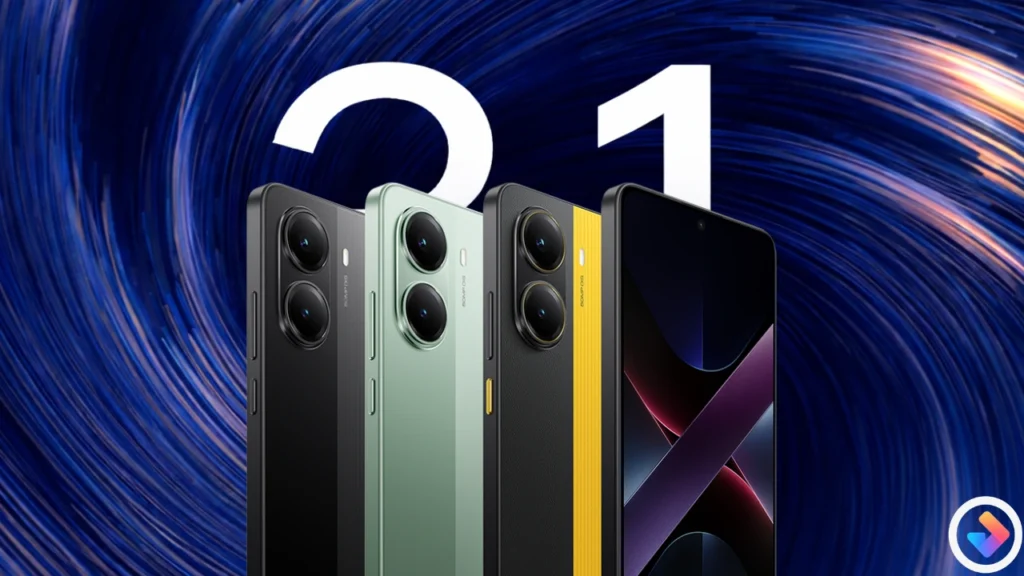
POCO X7 Pro device has finally received the HyperOS 3.1 latest update with new changes and optimizations, as everyone was waiting for this update from long time and the company released it recently, which enables the stock icons of Xiaomi Devices in POCO Finally. Stock Icons are the major change for everyone, as every user was demanding of this from long time, check below to know the more details regarding this update.
POCO X7 Pro – HyperOS 3.1 EEA Update
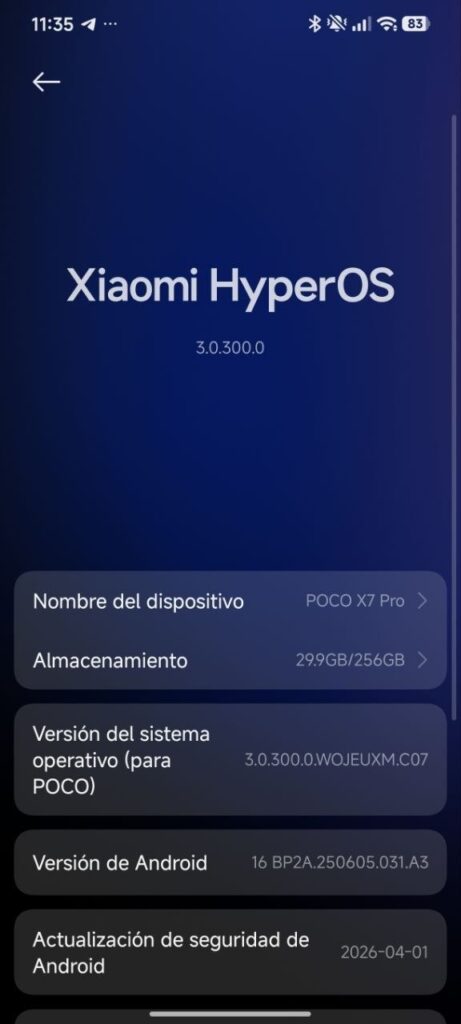
POCO X7 Pro users have got the HyperOS 3.1 OS3.0.300.0.WOJEUXM stable version in 1.3GB Size which is a big due to major changes in the system. There are lot of new changes too like HyperIsland is updated, improved animations and more. It comes with April 2026 Security Patch too which increases the privacy too.
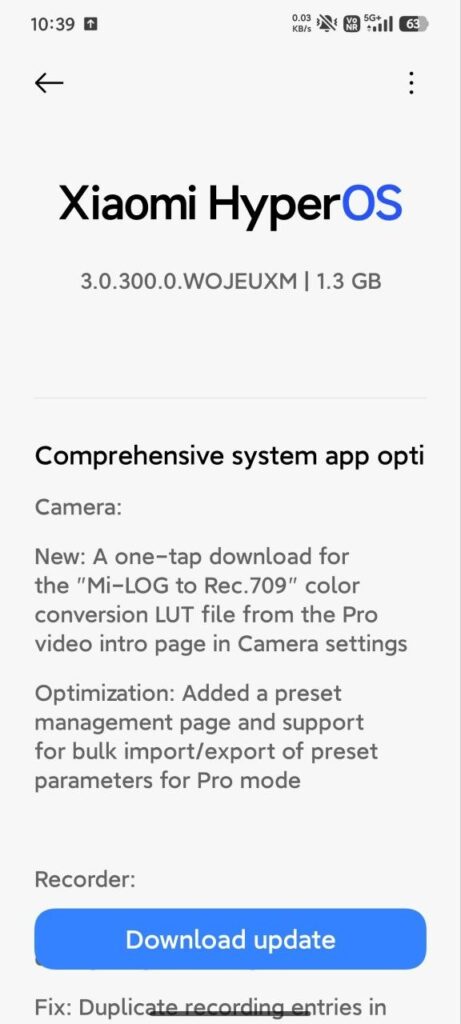
Changelog
- Xiaomi Super Island” is now compatible with “File Management,” displaying real-time progress of Super Document processing
- “Xiaomi Super Island” is also compatible with transportation cards and access cards, supporting card swiping in lock screen scenarios.
- Super Xiao Ai: Supports continuous dialogue with “Super Xiao Ai” by holding down the power button.
- Camera: The professional video function introduction page in camera settings now allows one-click download of “Mi-LOG to…” Rec.709 color reproduction LUT file
- optimization; professional mode parameter preset function experience improved; added preset management page, supporting batch import and export of preset parameters.
- Recorder: Added the ability to generate a summary within the “Recording” application, allowing for intelligent Q&A via “Super Xiao Ai” based on the recording content.
- Fixed occasional recording failures in long recording scenarios.
- Fixed the issue of duplicate recordings appearing in some scenarios.
- Calendar: Optimized calendar holiday display, adding more traditional festivals and historical anniversaries.
- Fixed date display anomalies in some scenarios.
- Family Guardian: Added support for viewing and modifying guardian configurations before enabling “Minor Mode”.
- Optimized guardian configuration saving logic when exiting “Local Guardian”.
- Optimized “Minor Mode” time statistics logic.
- A new “Elderly Care” page has been added, integrating settings such as font and icon size adjustment, ringtone volume adjustment, and scam call blocking.
- A function to return to the top of the page by clicking the status bar has been added in some scenarios.
- “Xiaomi Phone Transfer” now supports migrating more data, including some settings data and user data from system applications.
- The album search animation has been optimized for a more natural transition.
- Issues with abnormal display of cloud drive file thumbnails in “File Manager”
- in some scenarios have been fixed. Issues with macOS compressed files not displaying correctly in “File Manager”
- in some scenarios have been fixed. Issues with WeChat not being able to read screenshots
- in some scenarios have been fixed. Issues with stuttering display of multilingual thumbnails in some screenshot scenarios have been fixed.
- The Xiaomi Smart Card can now access the custom card name page in Dark Mode. Fixed an issue with abnormal input box display.
- Also fixed an issue with overlapping Xiaomi Smart Card buttons in some scenarios.
- Optimized the timeliness and accuracy of weather positioning in scenarios involving changes in user location.
- Added “Album Sharing” to support one-click upload of works. Participate in the Xiaomi Leica Global Imaging Competition
- . *Requires “Phone Manager” version 12.3.1-260225.0.1 and above, and “Xiaomi Mall” version 5.49.0 and above.
- Basic Experience: Improvements include: Recent Tasks support stacking for a more visually appealing and smoother operation; a new “Password” app for enhanced
- Security and Privacy: Supporting automatic password saving, smart filling, and end-to-end encrypted synchronization across devices for safer and more convenient login
- Compatibility with security access controls in some system applications, with more applications being added and optimizations ongoing; and
- Improved fingerprint, facial recognition, and password page styles for easier setup.
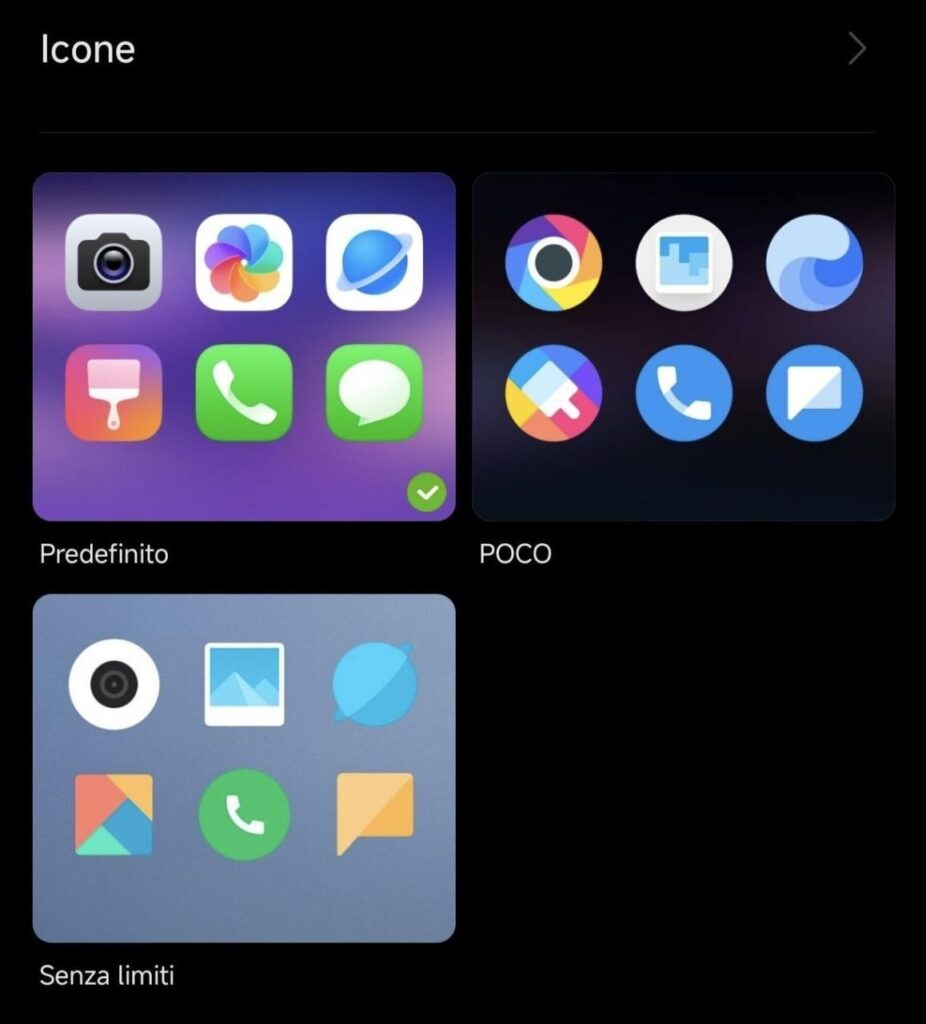
It comes with Stock Icons too, you can enable via Themes application, where you will see Official Icons. Its easy to enable now and every user is enjoying this.
Download Link
- POCO X7 Pro HyperOS 3.1 OS3.0.300.0.WOJEUXM EEA Update: Download
Conclusion
So this is the update which comes with new changes and improvements in the system, if you want to ask anything else regarding it so comment now and share your thoughts regarding HyperOS 3.1 for POCO X7 Pro Device.