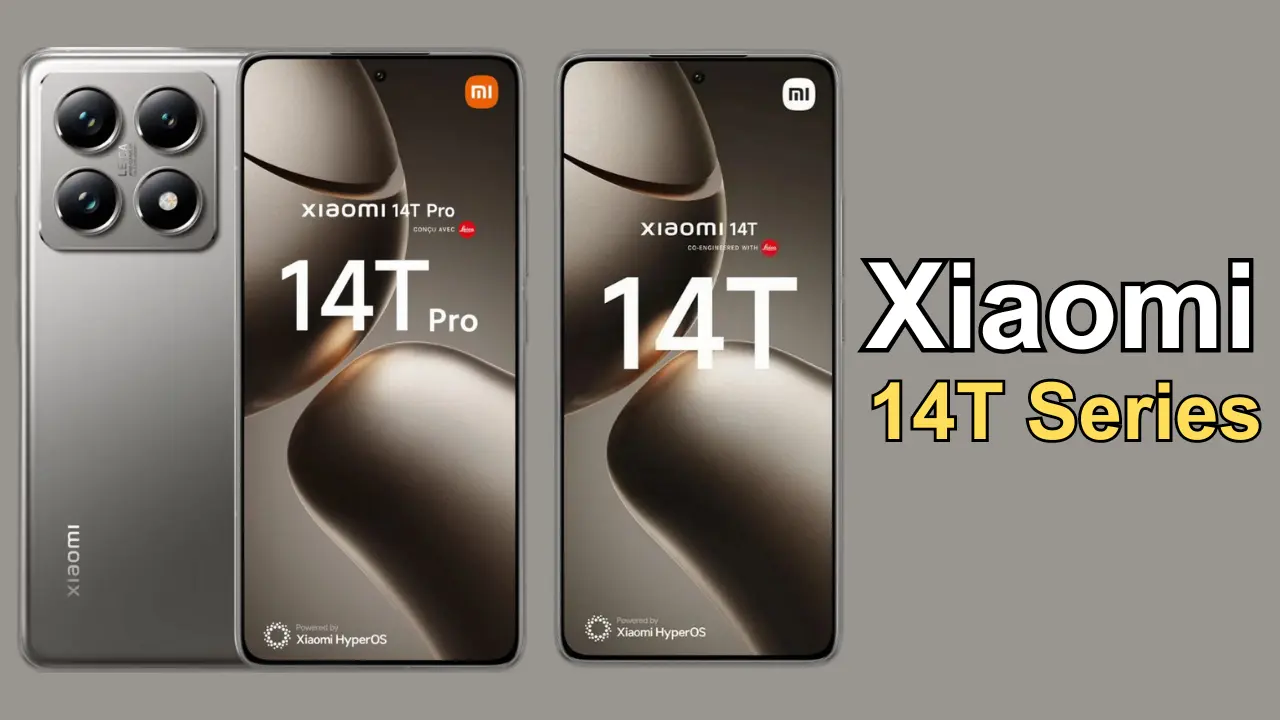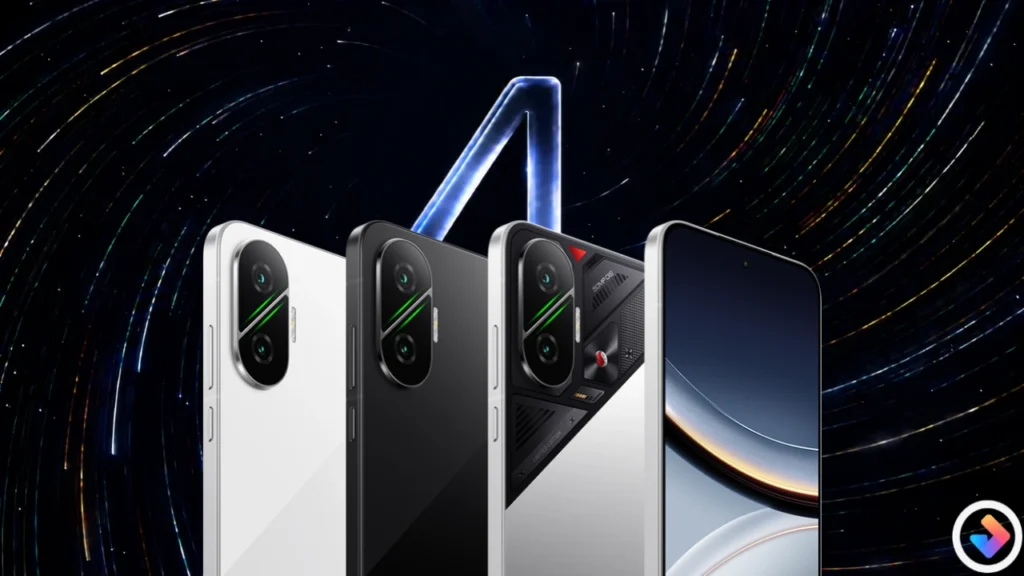
Xiaomi has finally released the HyperOS 4 Stable Update for the POCO F7 and POCO F7 Pro, everyone was waiting for these updates. This series is available in Second Batch, so it means Xiaomi started pushing those updates too. Check below to see the changelog and other details related to POCO F7 Series HyperOS 4 Updates which are officially rolled out with Android 17 and more features.
POCO F7 Series – HyperOS 4 Updates Released
POCO F7 codename “onyx “and F7 Pro “zorn“, both smartphones have received its first HyperOS 4 upgrade, size of the update is 7.8GB due to double upgrade in a single update. After updated you will see new series of SOTA, Soft Glass, New Security Patch, Android 17 and more features.
Builds
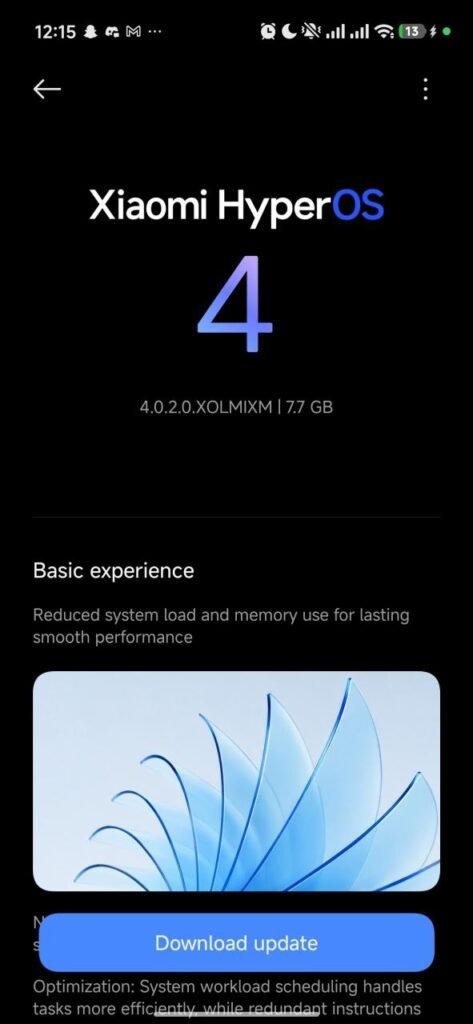
- POCO F7 HyperOS 4 OS4.0.2.0.XOLMIXM Global Update Released: Download
- POCO F7 Pro HyperOS 4 OS4.0.2.0.XOKMIXM Global Update Released: Download
Changelog
- Basic experience:Reduced system load and memory use for lasting smooth performance.
- New: Precision workload scheduling helps optimize system-wide performance.
- Optimization: System workload scheduling handles tasks more efficiently, while redundant instructions have been removed to improve performance and reduce power consumption.
- Optimization: CPU processing and GPU rendering workloads consume less power.
- Optimization: Graphics rendering reduces UI power consumption and stuttering.
- Optimization: Game frequency scaling delivers more stable frame rates in demanding scenarios such as team battles.
- New: Memory preloading helps apps respond faster.
- Optimization: Memory reservation and allocation reduce resource use and memory usage after startup.
- Optimization: Background resource scheduling loads resources only when needed and staggers background tasks to reduce memory use and improve performance.
- Optimization: Memory preloading and storage prefetching reduce occasional stuttering and frame drops, speed up cold starts, and improve app responsiveness.
- New: Xiaomi HyperOS app runtime environment helps system apps run more smoothly and use resources more efficiently.
- Optimization: Home screen and Gallery interactions provide smoother visuals and more responsive controls.
- Optimization: Gallery and Weather use fewer CPU and memory resources in the background.
- Alive Design Philosophy: Refreshed system visuals for a more polished look
- New: A soft glass material responds to surrounding colors and automatically adjusts its transparency for a more refined look.
- New: Soft glass lighting effects respond dynamically to your actions for more fluid interactions.
- New: The Lock screen offers more clock customization options, including text width and height, position, font, and material style.
- New: Notifications can appear in stacks on the Lock screen and at the bottom of the Notification shade for easier access and smoother animations.
- New: You can resize Home screen folders by dragging their edges.
- New: System apps use an adaptive floating layout with a refreshed design that adjusts to different screen sizes for more immersive browsing and clearer navigation.
- Optimization: Opening and closing animations for landscape apps and screen rotation animations in multi-window scenarios provide smoother transitions.
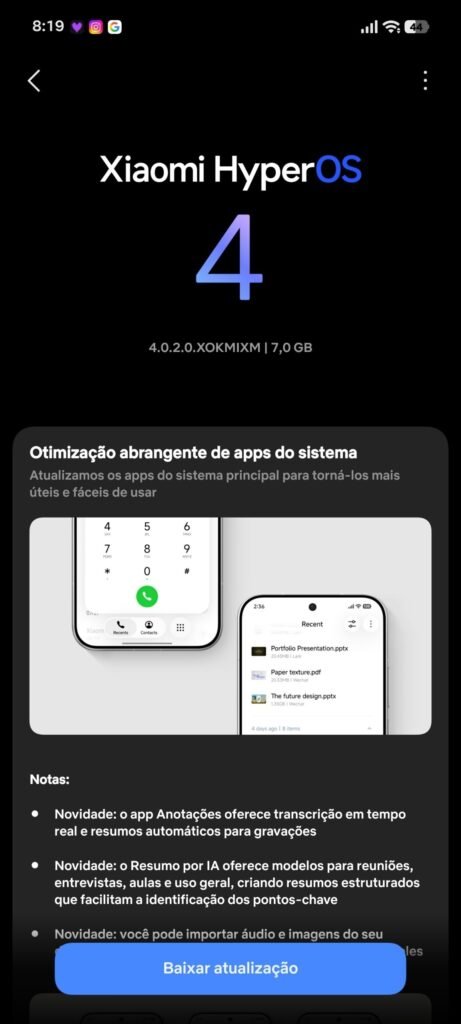
- Comprehensive system app optimization
- Upgraded core system apps to make them more useful and easier to use.
- Notes: New: Notes supports real-time transcription and automatic summaries for recordings.
- New: AI Summary offers templates for meetings, interviews, classes, and general use, creating structured summaries that make key points easier to find.
- New: You can import audio and images from your device and automatically turn their content into AI notes.
- Recorder: New: Recordings include a timeline outline to help you quickly find and jump to specific parts.
- New: AI can generate concise summaries of marked key points.
- New: AI Summary offers templates for meetings and general use, automatically turning recordings into structured summaries.
- New: Recording playback can automatically skip silent segments for a more streamlined listening experience
- Interconnectivity: New: Xiaomi Smart Hub offers card-based controls, letting you pin frequently used devices, switch between homes with one tap, and control devices across the Human × Car × Home ecosystem more easily.
Conclusion
So these are the updates of POCO F7 Series which are rolled out, if you want to ask anything regarding it so comment now and share your thoughts for these new updates.